Scope 3 business travel and employee commuting: how to log both
Scope 3 business travel and employee commuting are the two value-chain categories Karbon360 covers today. They are the ones customer questionnaires and bank templates ask for first, and every report states the boundary honestly as two of fifteen categories.
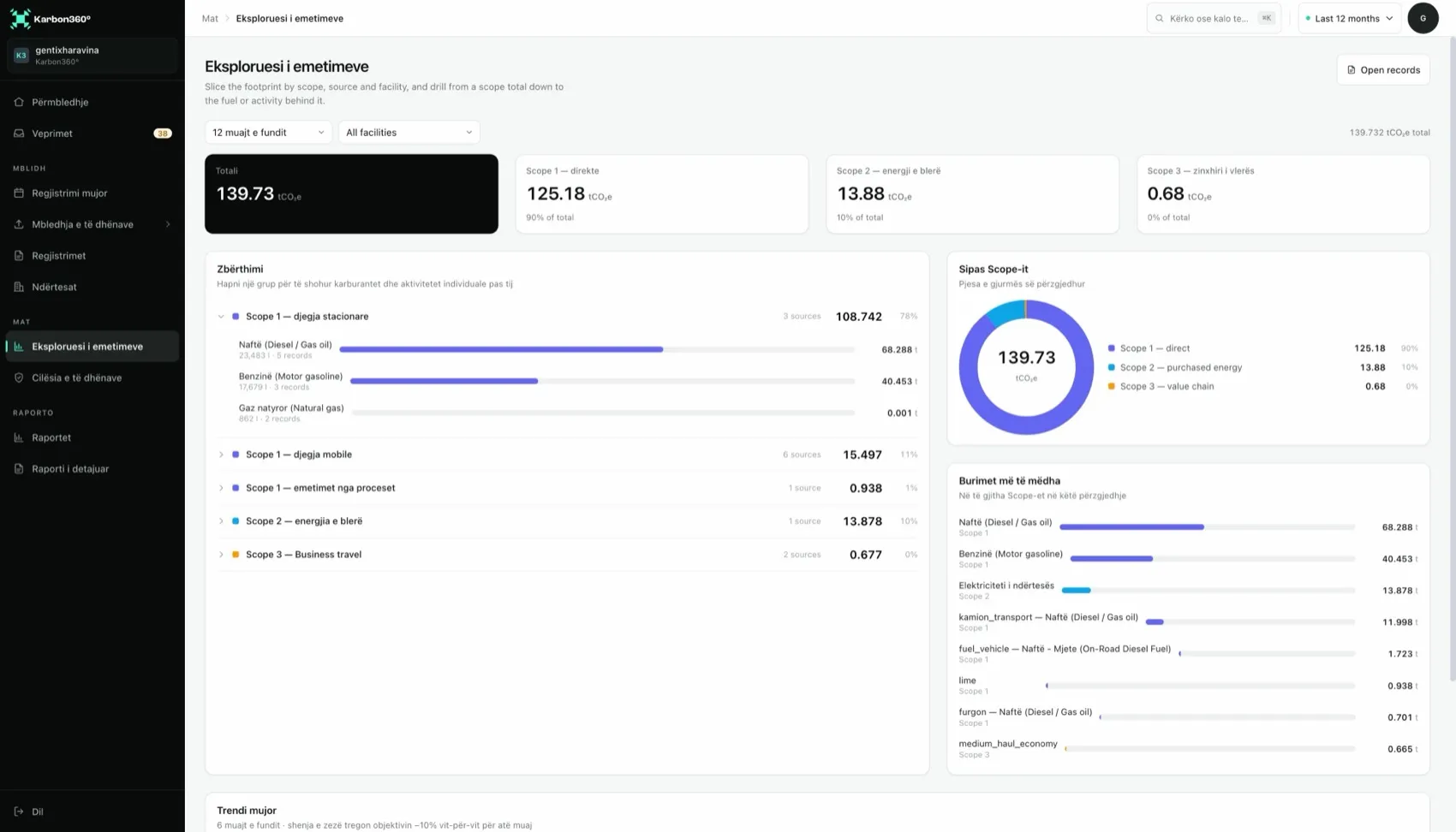
Scope 3 business travel (category 6)
- Go to Scope 3, then Business travel, then Add trip.
- Choose the mode: flight, rail, bus or car.
- For flights choose the haul (short, medium or long) and the class (economy or business).
- Enter distance in km, or the number of trips, and repeat for each month of travel.
Sources: travel agency statements, expense claims and booking confirmations. A monthly total per mode is fine.
Employee commuting (category 7)
- Go to Scope 3, then Commuting, then Survey.
- For each facility, enter how many employees commute by each mode (car, bus, walking or cycling), the average one-way distance and the working days.
- Karbon360 calculates annual commuting emissions and spreads them across the period.
- Repeat the survey once a year, or when headcount changes significantly.
The source is a short staff survey or HR data. Survey-based figures are marked as estimated.
The other thirteen categories
Purchased goods, transport, waste and the other categories are on the roadmap, prioritised by customer demand. If a questionnaire asks for them, answer that they are outside the current boundary. See all fifteen in Scope 3 categories explained.
Keep reading
- Scope 3 categories — all fifteen explained with examples
- What are Scope 3 emissions? — the definition
Want your team trained on Karbon360?
We run hands-on training for finance and operations teams, on your own data, in Albanian or English. Training is a paid service, quoted per team. Tell us who needs to learn what and we will send a proposal.