Karbon360 documentation: how every figure is calculated, traced and checked
The Karbon360 documentation explains the method behind the numbers: the formula, the emission factors, the calculation trace, the data-quality checks and the boundary of what the product covers today. It is written for the person who has to defend a figure to a bank, a buyer or a verifier.
What the Karbon360 documentation covers
- Emission factors — where they come from, why Balkan grids differ, and how factors are versioned.
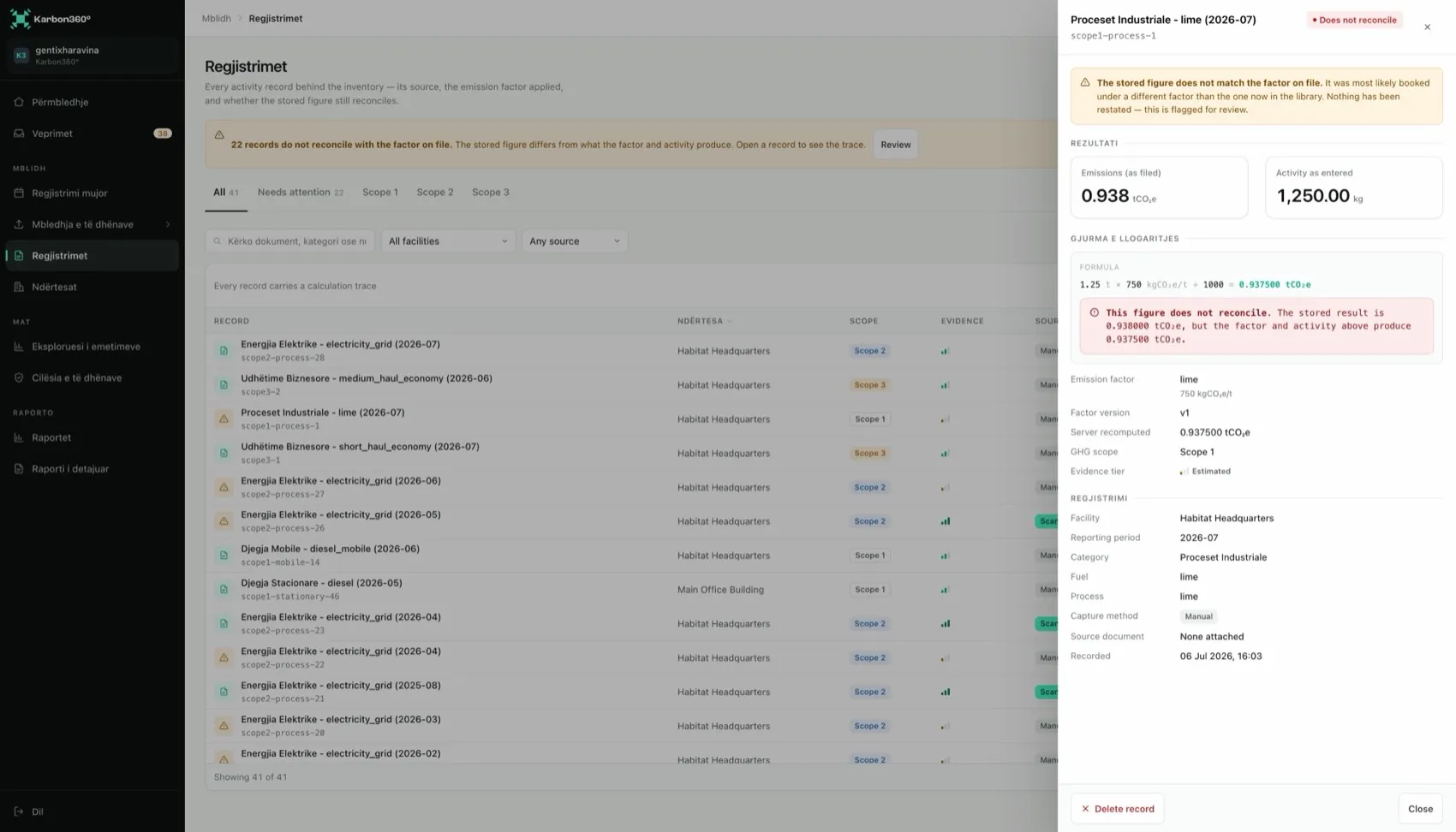
- The calculation trace — what is stored behind every figure and how the server re-checks it.
- Emissions data quality — coverage and reconciliation, reported separately.
- The GHG Protocol Corporate Standard — what Karbon360 applies, and what it does not claim.
- Supported emission sources — every fuel, process and category you can enter today, and what is still roadmap.
For the method on one page, read the methodology. For how security and data location work, see trust and security.
The formula behind every Karbon360 figure
Every emissions figure in Karbon360 is one multiplication: activity data × emission factor = kilograms of CO₂e.
The activity data is your side of it: the kWh on an electricity bill, the litres of diesel on a fuel receipt, the cubic metres of gas, the tonnes of clinker produced, the kilometres flown. The emission factor is the platform's side of it: a sourced, versioned conversion from that quantity to CO₂e. Because both halves are stored on the record, anyone can redo the multiplication and check the result.
Standards this documentation cites
- GHG Protocol Corporate Accounting and Reporting Standard — the structure Karbon360 follows.
- GHG Protocol Scope 2 Guidance — location-based and market-based methods.
- GHG Protocol Corporate Value Chain (Scope 3) Standard — the fifteen Scope 3 categories.
- Regulation (EU) 2023/956, as amended by Regulation (EU) 2025/2083 — the CBAM regulation and its 50-tonne simplification.
- The EU's VSME standard — the voluntary SME standard recommended by the Commission on 30 July 2025.
Karbon360 is structured to the GHG Protocol Corporate Standard. It is not a certification body, and a Karbon360 report is not a certificate.
Learning the product instead of the method
This section is the reference. To learn the screens, start with how to use Karbon360, which walks from the first login to a finished report, step by step.