Supported emission sources: what you can enter in Karbon360 today
These are the supported emission sources in Karbon360 as of the September 2026 user manual, grouped by scope, with everything that is not built yet labelled as roadmap. We only describe what the product does today.
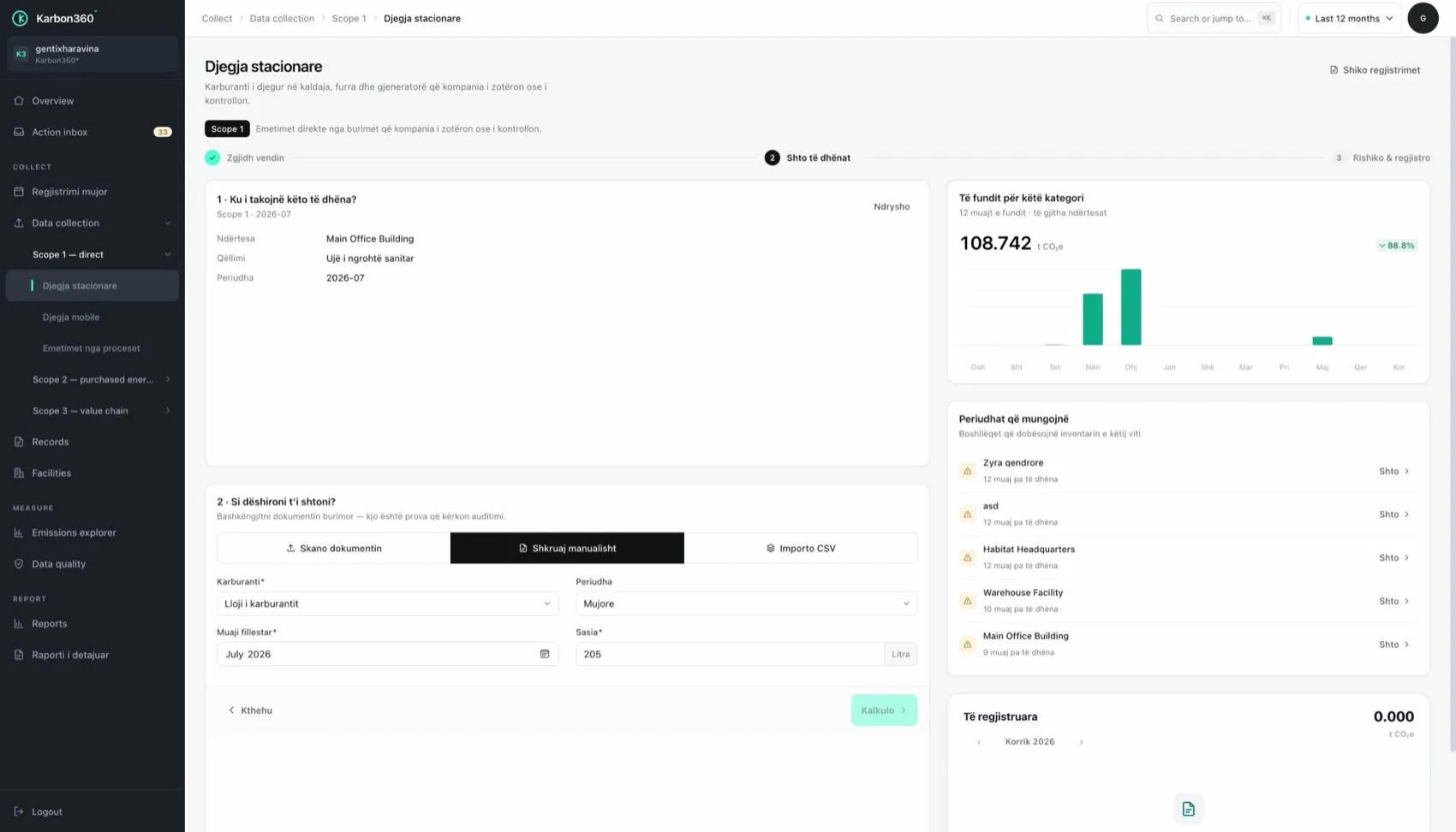
Scope 1 supported emission sources
Stationary combustion — diesel and gas oil, heating oil, natural gas, LPG, coal, wood and wood waste, wood pellets, and generator fuel.
Mobile combustion — vehicles and machinery you own or control (cars, vans, trucks, buses, forklifts, loaders), measured by fuel in litres or, when fuel is not known, by distance. Distance-based entries are marked as estimated.
Process emissions — cement and clinker, lime, glass, ceramics and bricks, steel and aluminium production, plus limestone, dolomite and soda ash use.
Scope 2 supported emission sources
Purchased electricity, calculated with the national grid factor for the facility's country (location-based), and district heating and cooling.
Scope 3 supported emission sources
Business travel (category 6): flights by haul and class, rail, bus and car. Employee commuting (category 7): from a staff survey per facility. That is 2 of the 15 GHG Protocol categories; the report states this boundary.
Built, in development and roadmap
- Built: Scope 1, Scope 2 and the two Scope 3 categories above; guided monthly entry, document scan, CSV import and the action inbox; records with calculation trace, data quality, explorer, dashboards, English reports and CSV exports; interface in Albanian and English.
- Regional factor library: live for Kosovo. Other markets are loaded before the first customer there goes live.
- On request: further interface languages (Croatian, Macedonian, Montenegrin), agreed per market.
- Roadmap: an in-app AI onboarding assistant and further Scope 3 categories, prioritised by customer demand.
- In development: a banking and portfolio module for financed emissions. Contact us for status.
Keep reading
- The GHG Protocol Corporate Standard — what is applied and what is not
- How to use Karbon360 — from first login to a finished report