CSV import for emissions data: format, rules and common mistakes
CSV import is the way in for meter data and ERP exports, where many months arrive at once. It loads a whole file of facility-month records in one step, with a preview before anything is saved.
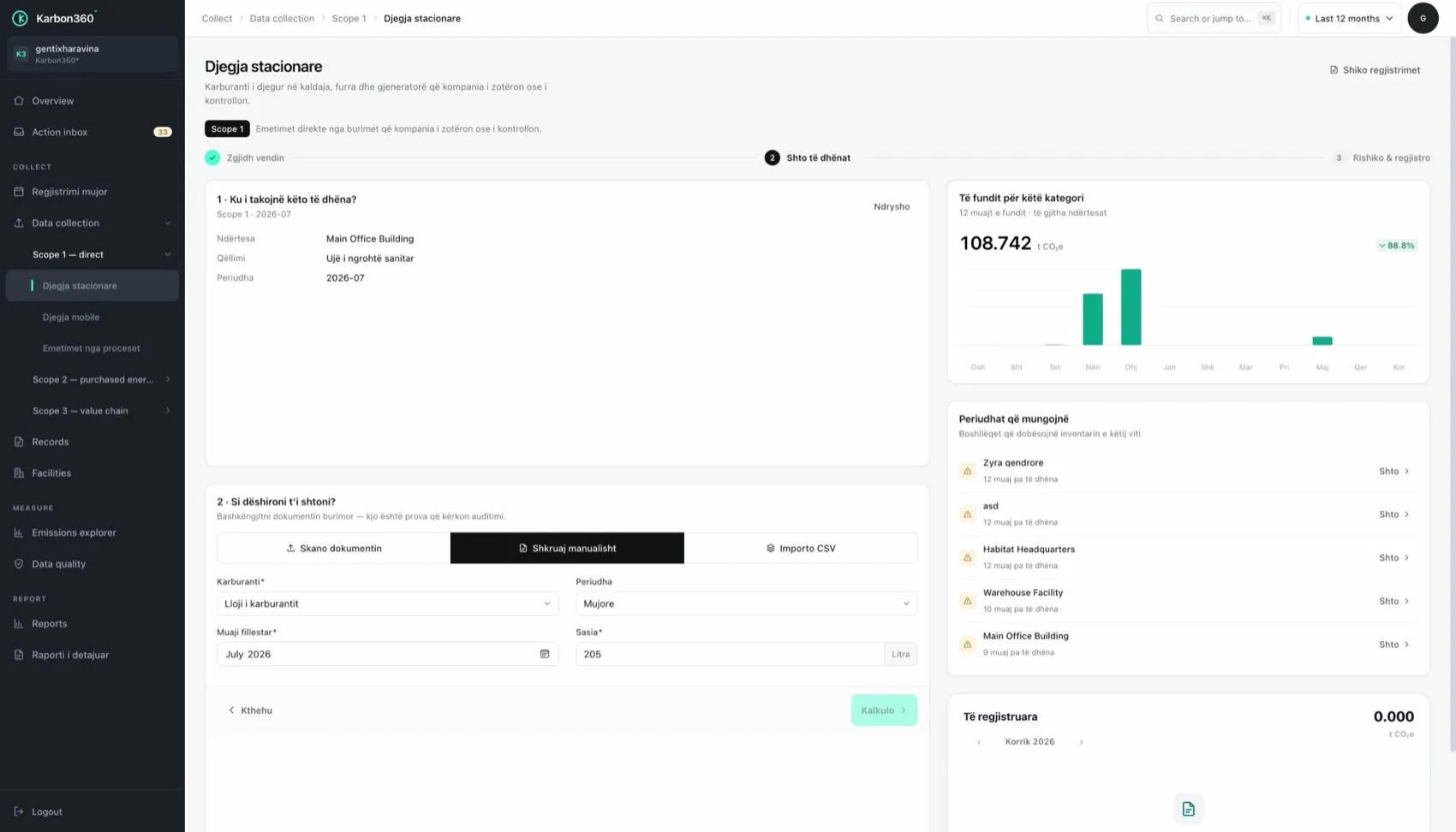
How the CSV import works, step by step
- Prepare one row per facility, per month, per item. Typical columns: facility, period (YYYY-MM), item, quantity, unit.
- Save as CSV in UTF-8. Use a dot as the decimal separator and no thousands separators.
- Upload, and review the preview. Rows that cannot be matched to a facility or item are listed.
- Fix and re-upload the rejected rows, then confirm the import.
Example rows
- Plant Ferizaj, 2026-01, electricity_grid, 17950, kWh
- Plant Ferizaj, 2026-01, natural_gas, 2310, m3
- Warehouse Prishtina, 2026-01, diesel, 420, l
These are example rows. Ask support for the current template for your account.
Where CSV import saves the most time
Sites with interval meters or a building management system can import monthly kWh instead of scanning twelve invoices. Most fuel-card providers export monthly litres per card as CSV, which is ideal for vehicle fuel.
The one mistake to avoid
Make sure the months in your file have not already been scanned or typed in. An import adds records; it does not replace existing ones, so a month loaded twice is counted twice. If one month looks doubled in the explorer, this is the first thing to check.
Keep reading
- The monthly routine — scan, type or import, then check
- Scope 1 fuel and process emissions — what to enter for each fuel
Want your team trained on Karbon360?
We run hands-on training for finance and operations teams, on your own data, in Albanian or English. Training is a paid service, quoted per team. Tell us who needs to learn what and we will send a proposal.