How to answer an emissions data request from a bank, buyer or CBAM importer
An emissions data request always comes from someone else: a bank, an EU customer or a CBAM importer. This guide shows what each one usually asks for and how to answer it with what you already have in Karbon360.
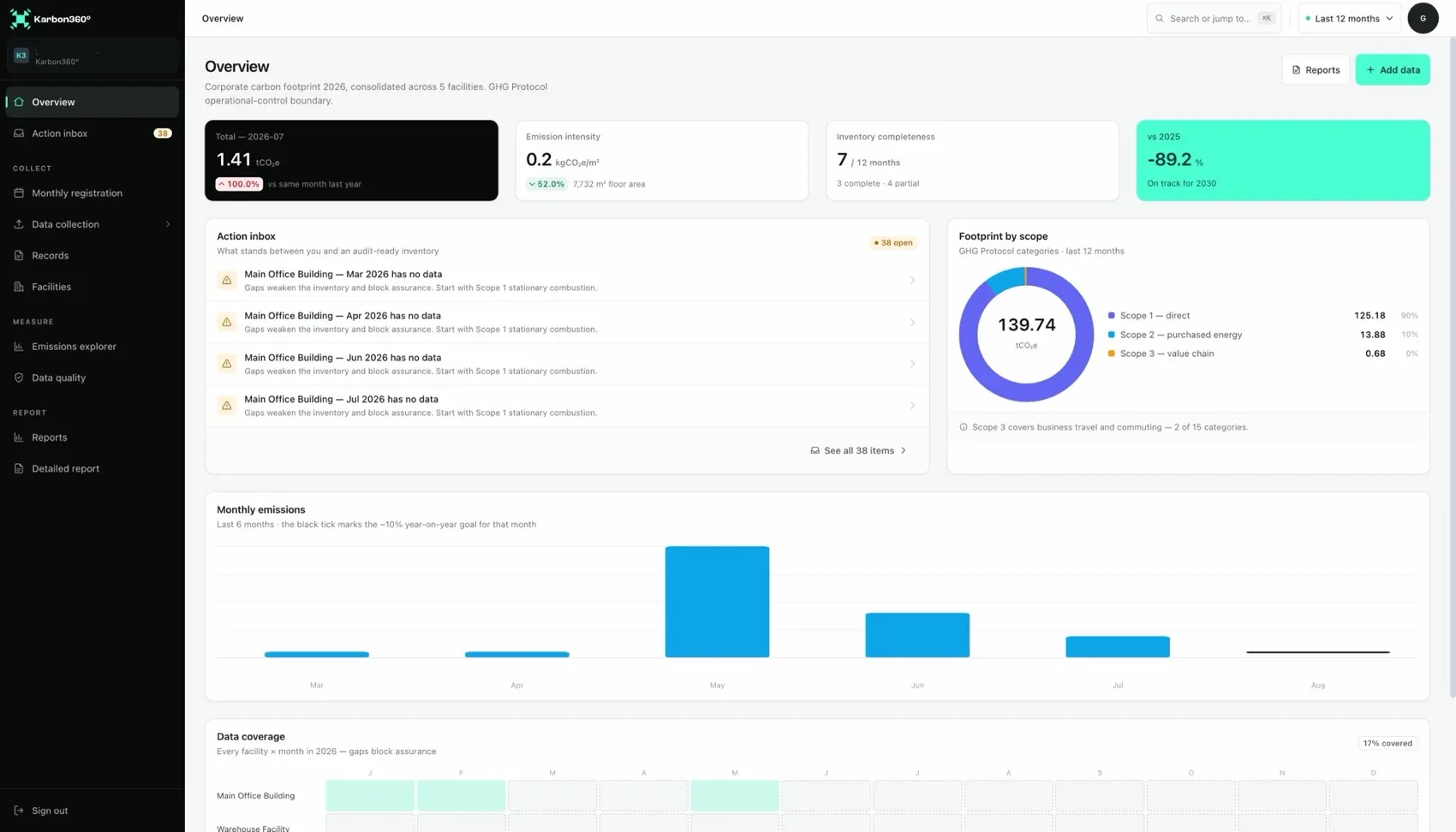
What each emissions data request asks for
- A bank (green-loan baseline) wants full-year Scope 1 and 2, plus travel and commuting if asked. Send the GHG report PDF, or fill their template from the CSV export. Next year, send the same method and compare to your baseline.
- An EU customer (supplier questionnaire) usually asks for Scope 1 and 2, sometimes Scope 3. Copy the totals by scope from the dashboard and state the methodology: GHG Protocol, location-based Scope 2, sourced regional factors. For Scope 3, state "2 of 15 categories".
- A CBAM importer (embedded emissions) needs installation-level data per facility: process plus combustion plus electricity for the installation, divided by production tonnes for the period. Keep records and evidence ready for their verifier.
How to generate the report
- Clear the inbox and review data quality for the reporting period.
- Open Report and select the reporting year, and the baseline year if you have one.
- Review the preview page by page.
- Download the PDF and send it, or keep it with your year-end files.
The report is an A4 PDF in English with your logo: a cover, an executive summary and methodology, inventory tables per scope and category by facility, and a trend and assurance section with data quality. The preview and the PDF come from the same template, so what you see is what you send.
Answers to the questions reviewers ask
- "Which factor did you use for electricity?" Open any electricity record: factor, value, version and source are on the trace.
- "Does this cover all sites?" The boundary section of the report lists every facility included.
- "Does the total match the invoices?" The reconciliation section, with evidence attached to each record.
- "How much is estimated?" Coverage splits the footprint into verified, evidenced and estimated.
- "Why is last year different?" Period comparison in the explorer; factor versions are retained.
Keep reading
- The calculation trace — the evidence behind each figure
- CBAM for Western Balkan exporters — installation-level data
- Supplier questionnaires — answering a Scope 3 request
- Green lending — a GHG baseline for a credit line
Want your team trained on Karbon360?
We run hands-on training for finance and operations teams, on your own data, in Albanian or English. Training is a paid service, quoted per team. Tell us who needs to learn what and we will send a proposal.