How to set up facilities for your GHG inventory
Every record in Karbon360 belongs to a facility, so set up facilities first, all of them, before you enter any data. The facility is also the unit your plan is sized on.
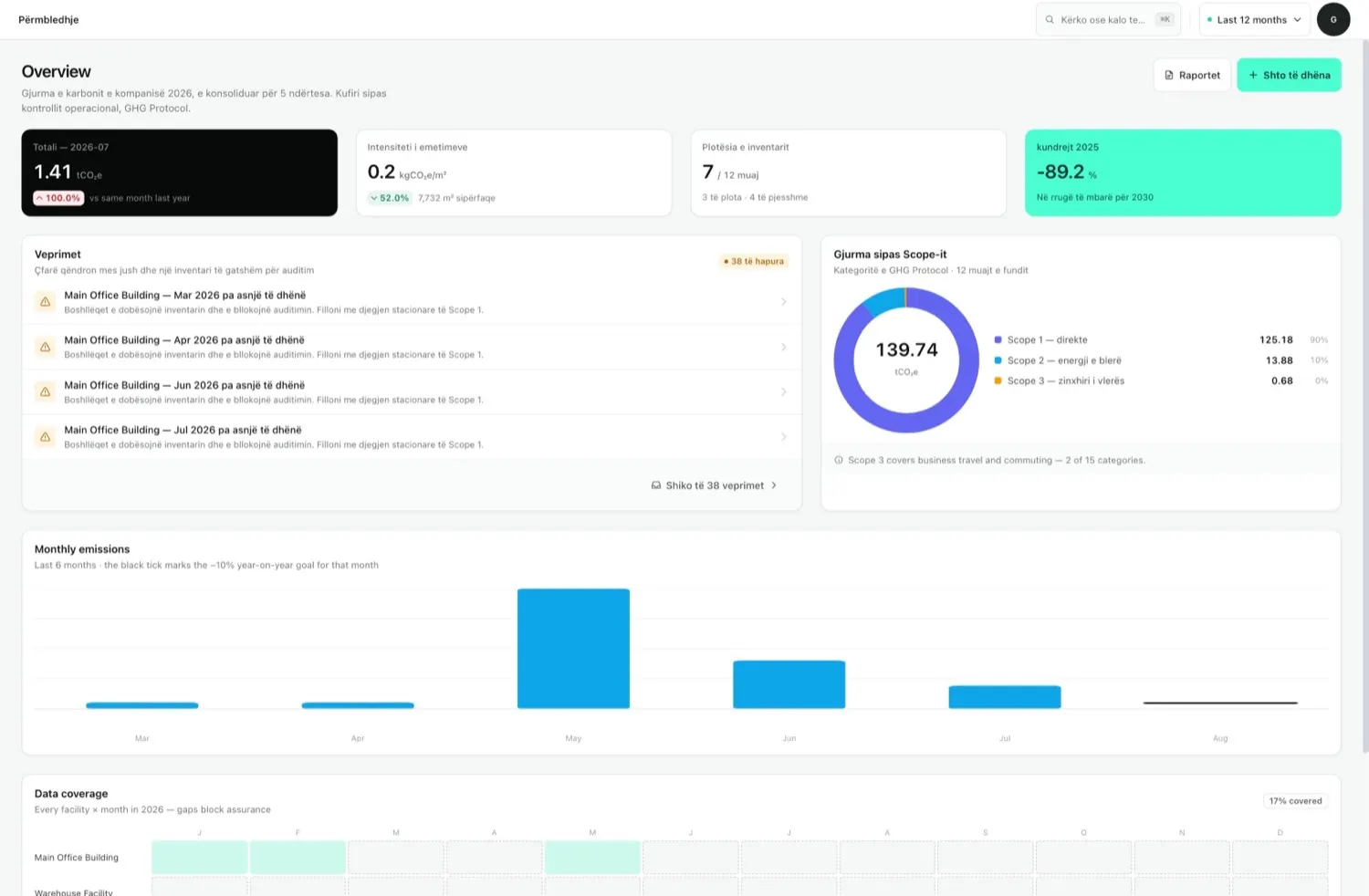
How to set up facilities, step by step
- Go to Facilities (Buildings) and choose Add facility.
- Fill in the basics: name, building type (office, warehouse, production plant), address, city, country.
- Add physical details: area in m², floors, construction year. Floor area powers the intensity-per-m² indicator on the dashboard, so do not skip it.
- Describe energy use: main and secondary energy sources, heating or cooling system and water supply. This tells Karbon360 which data to expect, so the inbox can flag what is missing.
- Save, and repeat for each site.
Why each field matters
- Country selects the grid emission factor for Scope 2. Getting it wrong changes your largest number.
- Area (m²) is used for intensity in kg CO₂e per m², a figure banks like to see.
- Energy sources drive which monthly entries the action inbox expects.
- Building type groups facilities in the explorer and the report.
Validate, archive and plan limits
Edit a facility at any time. Use Validate on a facility to check that it has the data it needs for the period before you report. Your plan is sized by facilities; if you need to add a site beyond it, contact support to upgrade.
CBAM exporters should register each production installation as its own facility, even if two share an address, because CBAM asks for installation-level data and their embedded emissions must be reported separately.
Keep reading
- GHG inventory checklist — what to gather first
- Scan electricity invoices — the next step
Want your team trained on Karbon360?
We run hands-on training for finance and operations teams, on your own data, in Albanian or English. Training is a paid service, quoted per team. Tell us who needs to learn what and we will send a proposal.